
When I was younger, I kept forgetting things and leaving them half done.
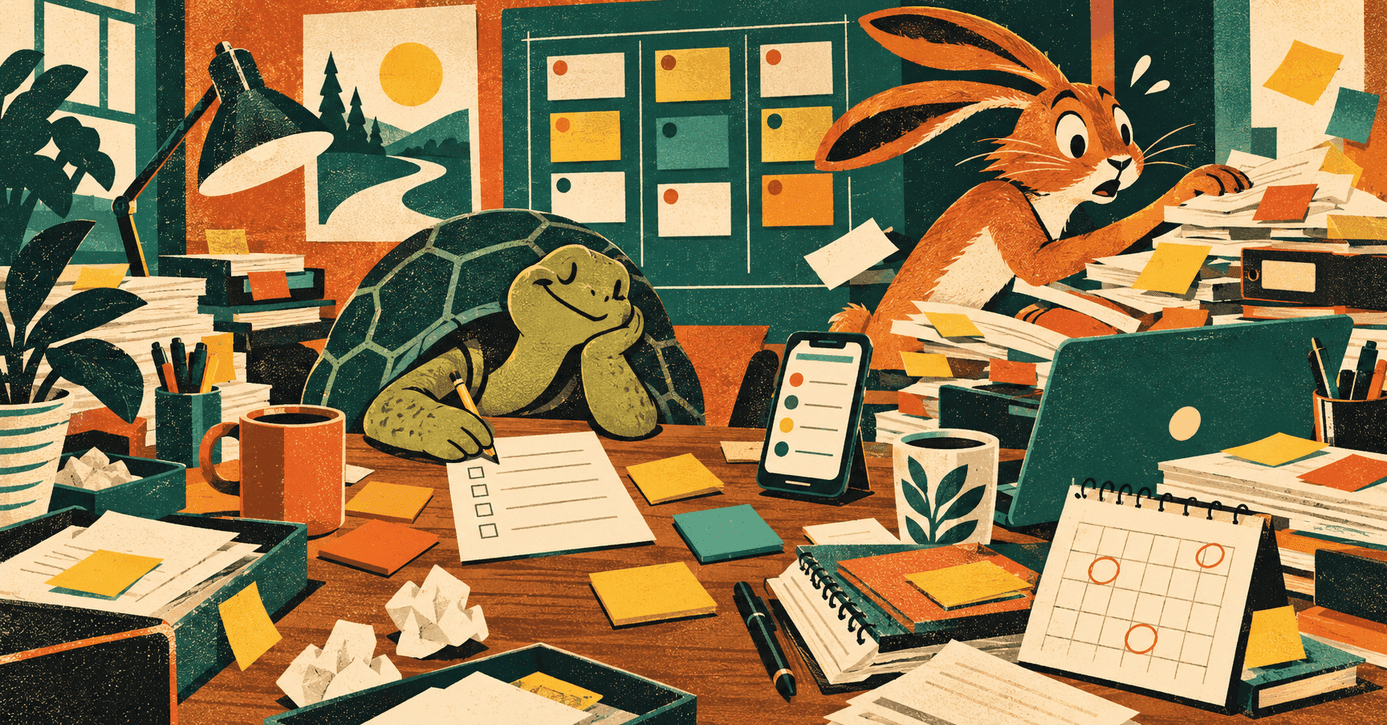
My dad called me a "lebrão" — a big hare, after the one in Aesop's fable: so sure of his speed that he napped, and lost to a tortoise.1NOTE 1Aesop, "The Tortoise and the Hare," in Aesop's Fables, trans. Laura Gibbs, Oxford World's Classics (Oxford: Oxford University Press, 2002), fable 237 (Perry 226). I started the most absurd and diverse projects, and quit long before the finish line. Years later, I learned it was ADHD and was better able to manage it; but the road there taught me a lot regardless.
That problem pushed me to study methods and systems, because I couldn't trust my own memory or willpower. What I found out, however, is that you don't need ADHD to hit the same wall.
None of us can hold everything we need in our heads. And a business holds far more than any one head can, as I learned the hard way.

My latest system helps my cofounder and me with exactly this. At Desio, the hospitality platform we build, we keep an eye on many things at once: payments, subscriptions, merchant accounts, AI costs, background jobs. We also believe we must own our processes before we hand them to anyone. An Excel spreadsheet wouldn't work as the brains of this whole operation for us. Filled in by hand, it can't hold every event as it actually happens. It only knows what someone remembers to type into it.
Creating your personal system
You run an operation. Maybe it's a small business, maybe a team inside a big company. You know what goes on because you keep it in your head, and you open the dashboards when you need a number. When something important happens, someone tells you.
That works until it doesn't. Your head drops things without a sound. The dashboard answers only when you remember to look. And the event that nobody owns, good or bad, reaches you late or never.
So how do you know what happened in your business without holding it in your head? You stop holding it. You make the business report to you: every relevant event gets tracked, measured, and sent to a single place, to then get sorted by how much it matters and how soon you must act.
Your mind is for having ideas, not for holding them.
Now think of what a business asks your head to hold. Sales, payments, customers, the team, the code. I think the answer is not more discipline. It's a system outside your head that holds the list for you.
Here is a step by step process of how this system works, and how you can build your own.
To start, all you need is one of many AI assistants in the market today (ChatGPT, Claude, Gemini, etc.), connected to the tools where your business happens, and one table. The prompts are plain text, so you can paste them into any of them. Where they differ, mostly in scheduling, the last step says how. For the events that can't wait, you'll also want an automation tool such as n8n.
I know the objection, because I used to make it: "If I check the dashboard, I'll know."
Only if you remember to look. And a dashboard shows the things that someone chose in advance. When something unexpected happens, you may not even know where to look.
A dashboard is pull: it needs your memory. A report is push: it comes to you.
Step 1: list what actually happens
Many teams already track tasks. A task board holds what you plan to do. What I want is the other list: what actually happens. A sale. A failed payment. A new customer's first order. An error in the night.
It helps to separate three layers: what someone sees, what things could do, and what actually happens.3NOTE 3Roy Bhaskar, A Realist Theory of Science (London: Routledge, 2008), 2, table 0.1. Bhaskar calls the three layers the empirical, the real, and the actual. The book first appeared in 1975.
What someone sees is the easy one. It's what a dashboard shows: the things someone chose to track, over the time window you picked.
What things could do sits beneath both. It's the powers a system has because of how its parts are arranged: the bug nobody has hit yet, the edge case in a payment flow. A power can sit unused for months, until the day it fires. You can't list every one in advance, but it exists all the same.
What actually happens is where a system can work. It's what happens, whether anyone sees it or not. Some of it could be measured and simply isn't. The system's job is to make it seen.
So our list at Desio is a list of what actually happens, whether we look or not. It covers both sides of the company. On the business side: payments, subscriptions, refunds, merchant accounts, loyalty. On the dev side: AI cost, background jobs, webhooks, feature flags, health checks. None of these waits for someone to open a dashboard. Each one gets reported to the system, and the next step decides when and how we hear about it.
Good events count too. When a new merchant gets its first outside visit, that's an event, so somebody follows it up.
Step 2: mark how much each event matters, and how soon
Here's the catch. Send every event the moment it happens, and you'll stop reading them.
I see this every day with AI coding tools. A tool that asks me to confirm every step teaches me to click yes without reading. Google's SRE book says the same about alerts: "I can only react with a sense of urgency a few times a day before I become fatigued."4NOTE 4Rob Ewaschuk, "Monitoring Distributed Systems," in Site Reliability Engineering: How Google Runs Production Systems, ed. Betsy Beyer, Chris Jones, Jennifer Petoff, and Niall Richard Murphy (Sebastopol, CA: O'Reilly Media, 2016), chap. 6, https://sre.google/sre-book/monitoring-distributed-systems/.
The fix is an old idea. In 1954, Eisenhower quoted a former college president: "I have two kinds of problems, the urgent and the important."5NOTE 5Dwight D. Eisenhower, "Address at the Second Assembly of the World Council of Churches, Evanston, Illinois," August 19, 1954, The American Presidency Project, ed. Gerhard Peters and John T. Woolley, https://www.presidency.ucsb.edu/documents/address-the-second-assembly-the-world-council-churches-evanston-illinois. Importance and urgency are two different questions. Importance decides how loud an event is. Urgency decides when you hear about it. An event that is neither doesn't get sent at all. It goes to a log.
Desio marks every event on both axes. On October 14, 2026, it had 94 types of event. The level decides when the system handles each type: 32 at once, 55 in a batch every 30 minutes, 7 the next morning. Those are types, not messages: we don't get 55 notifications every half hour. A batch carries only the events that are still waiting, and an empty batch sends nothing. No level mute can silence the first group.
The interesting part is the 22 off the diagonal. A critical event that can wait half an hour. A minor one that can't. If you sort on one axis only, you get those wrong.
So how do you know which level is right? You start by understanding the event: what it is, what it represents, and how it connects to the rest of the business. Take a refund. On a dashboard, it's just another number. But one refund touches at least four parts of the business. The customer: often something went wrong for them, and how we answer shapes whether they come back. The merchant: it's their revenue, and a run of refunds may point to a problem at their venue. Our cash: money leaves, and the processor's fees may not come back with it. And the dev side: our systems have to process the refund, and that step can fail on its own.
Each link is a reason the refund might matter, and a different person who might need to hear about it. Together, they set its level. You need to know what something is, and what it relates to, before counting it tells you anything. Understanding comes first.6NOTE 6Andrew Sayer, Method in Social Science: A Realist Approach, 2nd ed. (London: Routledge, 1992), 176.
Then you measure: we record each new event and watch what it does to our day-to-day. Some levels are obvious from day one: a customer complaining about a money transaction is top priority. Others aren't. Some fraud checks need a baseline: you can tell usual behaviour from unusual only once you know what usual looks like.
Step 3: one place decides
How does each tool know which level to use? It doesn't. At Desio, the code that reports an event says what happened, and nothing more. One registry decides the level, the label, the severity, and the wording.
A high-value refund goes out in the next 30-minute batch because its row says so. The payment code never decided that.
That sounds like a detail. I think it's the part that keeps the system alive. When an event turns out louder or quieter than you thought, you move it in one line, and every tool follows.
So, we begin by understanding what are the components of our business system and listing the events that actually happen. We mark each one for how much it matters and how soon we must act. And one registry holds every decision, so every tool follows it. Now for the part we see each morning.
Step 4: start the day from one brief
The events that can wait until morning end up in one place: a brief at 09:00.
Before it, nothing came to us. We had to go looking: open the dashboards, log into different accounts and services, and check one tool after another. Then we linked things up by hand. Whatever we didn't think to check, we didn't see.
Now the morning's news comes in one brief, and what can't wait still comes on its own. It opens with yesterday's numbers, adds the weekly view on Mondays, then the events that waited, then a pulse per customer. The phone version stays short. When it runs out of room, it shortens each section first, then drops whole sections from the end. The email keeps every section. And an event that doesn't fit isn't lost: it waits for the next day's brief.
Be the tortoise
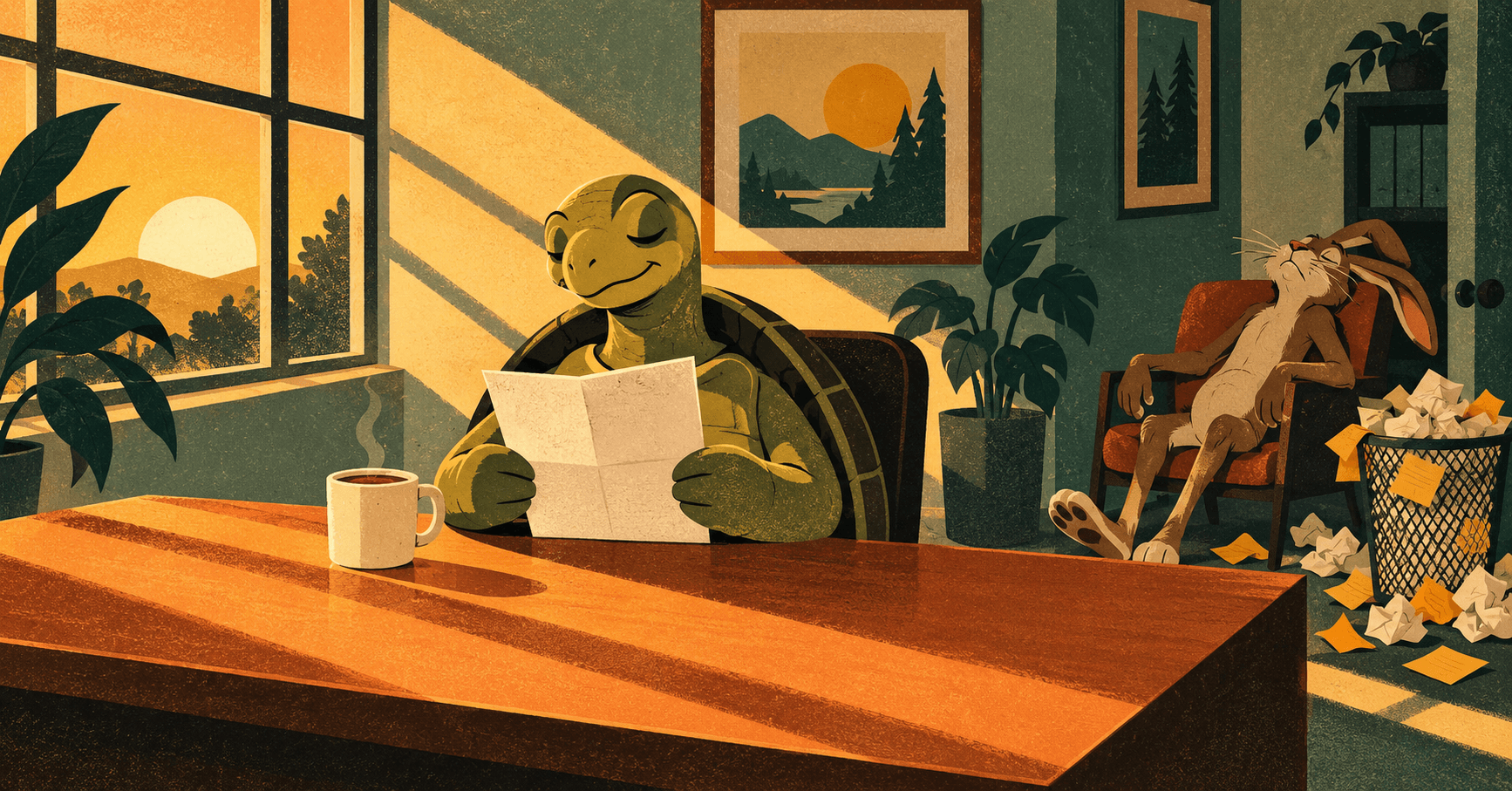
The hare didn't lose because he was slow. He lost because he trusted his speed and took a nap. The tortoise trusted neither speed nor memory, and kept going, one step at a time.
You don't need more discipline or a bigger dashboard to run a business. You need the business to report to you: every event on one list, each one marked for how much it matters and how soon you must act, and one brief each morning for everything that can wait.
So start here, today. List the ten events in your business that you must never miss, and mark each one: how much it matters, and how soon you must act. That list is your first version, and every step above builds on it.
And if you'd rather not build it alone, that's the work I do: I build systems like this one with teams, from a spec that stays yours. See how an implementation works.